How to Create a Free QR Code Menu for Your Restaurant in 2026
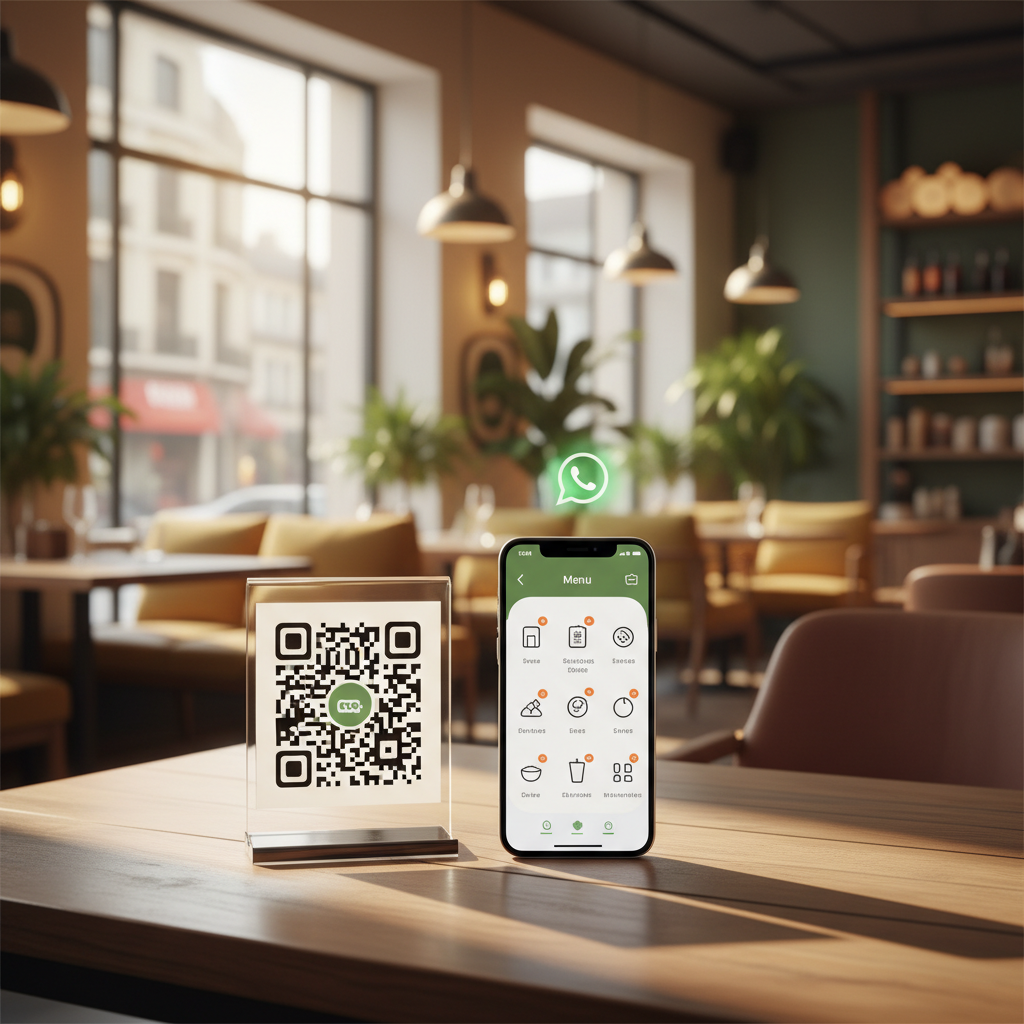
If you still hand paper menus to your customers in 2026, you're leaving money on the table. 75% of diners now prefer scanning a QR code over touching a shared menu, and restaurants with digital menus see 12–18% higher average order values because customers browse more comfortably on their own phone.
The best part? You don't need an expensive app, a developer, or a monthly subscription. With a free digital menu tool you can build a professional menu, generate a QR code, and start receiving orders via WhatsApp in under 10 minutes.
📋 What You'll Learn in This Guide
- • Why QR code menus outperform paper menus in every metric
- • How to set up your digital menu in under 10 minutes (step-by-step)
- • Where to place QR codes for maximum scans
- • How to connect your menu directly to WhatsApp orders
- • Real examples from restaurants using this system today
Why Paper Menus Are Costing You Money
Let's be real about what paper menus cost your restaurant — it's more than you think:
💸 Hidden Costs of Paper Menus
- • $200–$500/year on reprinting for price changes
- • Lost revenue when menu items are crossed out or outdated
- • Staff time explaining daily specials that could be on the menu
- • Hygiene concerns — a paper menu can carry more bacteria than a toilet seat
✅ Benefits of QR Code Menus
- • Update prices instantly, no reprinting needed
- • Add photos that boost order values by 30%
- • Customers can order directly — no waiting for a waiter
- • 100% contactless and hygienic
Step-by-Step: Create Your QR Code Menu in 10 Minutes
Here's the fastest way to go from zero to a working QR code menu with built-in WhatsApp ordering:
Choose a platform and create your menu
Create an account on your chosen menu platform, then pick your menu name and URL slug. It takes about 30 seconds.
Add Your Menu Items
In your admin dashboard, add products with names, prices, descriptions, and photos. You can even use our AI-powered Quick Mode to add items in seconds. Group them into categories like "Appetizers", "Mains", and "Drinks".
Set Your WhatsApp Number
Go to Settings and enter your WhatsApp number. When customers place an order, it arrives directly as a formatted WhatsApp message with their name, items, total, and delivery address.
Generate & Print Your QR Code
Go to the "Share" tab in your admin panel. Your QR code is generated automatically. Download it, print it, and place it on tables, at the counter, on flyers, or in your storefront window.
Start Receiving Orders!
Customers scan your QR code → browse your menu on their phone → add items to cart → checkout → you get the order on WhatsApp. That's it. No app downloads, no account creation needed for your customers.
Where to Place Your QR Code for Maximum Scans
A QR code is useless if nobody scans it. Here are the 7 best placements that successful restaurants use:
| Location | Why It Works | Pro Tip |
|---|---|---|
| 🍽️ Table Tents | Customers scan while waiting — it's natural behavior | Add "Scan to Order" text above the QR |
| 🪟 Window Sticker | Catches foot traffic — people browse your menu outside | Make it at least 15cm × 15cm for easy scanning |
| 🧾 Receipts | Encourages repeat orders after they've already enjoyed your food | Add "Order again? Scan here →" |
| 📦 Delivery Bags | Delivery customers reorder without searching for your store | Use a sticker — it survives rain |
| 📱 Social Media Bio | Your Instagram/Facebook followers can order directly | Share your store link (it works as a URL too) |
| 🚗 Takeaway Counter | Customers waiting for pickup browse more items | They might add drinks or desserts |
| 📄 Flyers & Cards | Physical marketing that leads to digital ordering | Distribute in the neighborhood |
Why WhatsApp Ordering Beats Traditional Online Ordering
You might be wondering: "Why WhatsApp? Why not just use UberEats or a traditional ordering system?" Here's the honest comparison:
| Feature | UberEats / DoorDash | Direct QR + WhatsApp |
|---|---|---|
| Commission per order | 15–30% | 0% — Forever free |
| Monthly fees | $50–$300/mo | $0 |
| Customer data ownership | Platform owns it | You own every contact |
| Customer needs app? | Yes — download required | No — WhatsApp is already installed |
| Direct communication | No — platform middleman | Yes — real conversation |
| Setup time | Days to weeks | 10 minutes |
💡 The Real Advantage: You Own the Relationship
When a customer orders through UberEats, UberEats owns that customer. You can't message them, you can't offer them a discount, and they might see your competitors' ads next time. When a customer orders through your QR code menu on WhatsApp, you have their number forever. You can send them specials, birthday offers, and new menu alerts directly.
Real Results: What Restaurant Owners Say
"We put QR codes on every table and our average order value went up 22%. Customers add more items when they can browse at their own pace without feeling rushed."
— Maria, Pizza Shop Owner, São Paulo
"I was paying $400/month to a food delivery platform. Now I get the same orders through WhatsApp for free. That's $4,800 back in my pocket every year."
— Ahmed, Shawarma Restaurant, Dubai
"The best part is I can update my menu in 30 seconds. No calling a designer, no waiting for reprints. I added a lunch special this morning and already got 5 orders from it."
— Priya, Café Owner, Mumbai
Common Questions About QR Code Menus
Do customers need to download an app?
No. Your QR code opens a regular web page — no app download needed. Customers scan, browse, add items, and checkout. The order arrives on your WhatsApp as a formatted message.
Is it really 100% free?
On most platforms the core features — menu, QR code, WhatsApp ordering — sit on a free tier with no commissions and no card required. Paid tiers usually add custom domains and branding, so check what is behind the paywall before you commit.
What if my menu changes frequently?
Perfect — that's the whole point. Update prices, add items, remove sold-out dishes, and toggle availability in real-time from your admin panel. The QR code always points to the latest version.
Does it work for dine-in, takeaway, AND delivery?
Yes, all three. Customers select their order type during checkout. You set a delivery fee and minimum order amount in your settings. Digital products (like gift cards) are supported too.
Can I accept online payments?
You can connect PayPal, Stripe, or use cash on delivery. All payment methods are configurable from your store settings — no coding needed.
Get Started in 10 Minutes — For Free
Every day without a digital menu is a day you're missing orders. Your competitors are already going digital. Don't let another customer walk away because your menu wasn't convenient enough.
OrderViaChat publishes free guides and tools for restaurants and small businesses that take orders directly. Learn how to set up WhatsApp ordering, browse all guides, or try our free tools.