How to Create a Digital Menu with a QR Code (2026 Guide)
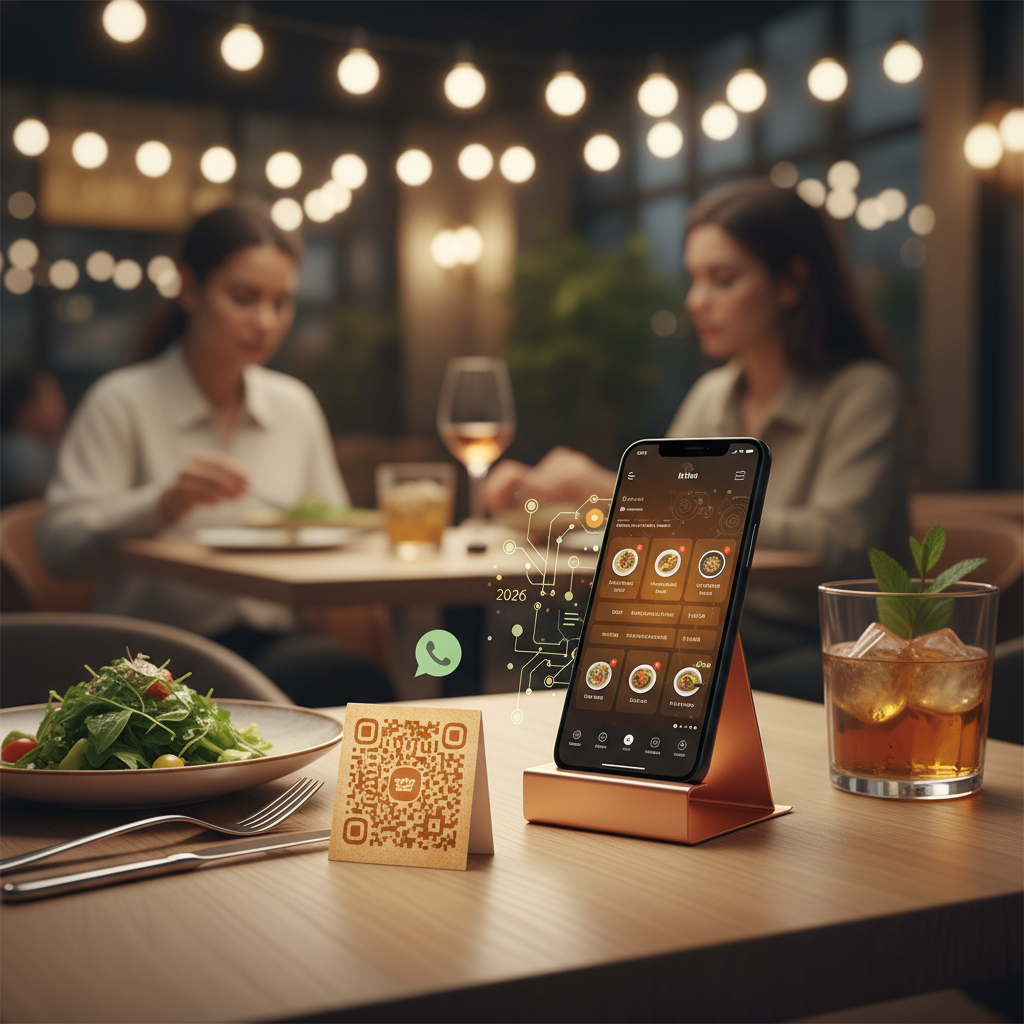
Scan the code, see the menu, tap to order — that's the whole pitch of a digital QR menu, and it's why so many restaurants have already switched. But there's a real difference between "a PDF with a QR code slapped on it" and a digital menu that actually converts browsers into orders. This guide covers both: how to build one properly, and where most restaurants get it wrong.
What a digital menu actually is (it's not just a QR code)
A QR code is just a doorway. What matters is what's on the other side of it. A proper digital menu is a mobile-first page, not a scanned PDF or a photo of your paper menu. Customers browse it on their own phone, with prices and items that update the moment you change them.
That distinction matters because a lot of "digital menus" are really just static PDFs with a QR code pointing at them. They load slowly, they're impossible to update without a designer, and they don't let a customer do anything except read. If your QR code opens a PDF, you've built a paper menu with extra steps.
A menu that's actually built to convert has three things a PDF doesn't:
- Live editing. Change a price or mark a dish sold out in seconds, from your phone, without reprinting anything.
- Photos per item, not one hero shot at the top — food sells better when people can see what they're ordering.
- A path to order, whether that's a cart that sends a formatted message to your WhatsApp or a straightforward checkout. A menu customers can only read still leaves them to flag down a server or, worse, close the tab.
Setting it up: the steps that actually matter
You don't need to touch code or hire a designer. The order of operations is what trips people up, so here's the sequence that avoids rework:
- Build the menu first, categorised. Group items the way customers think about them — starters, mains, sides, drinks — not the way your kitchen organises prep. A flat, uncategorised list is the single fastest way to make a menu feel overwhelming on a small screen.
- Add a photo to every item you can. Not just the specials. Items with no photo get skipped far more often on a scrolling mobile menu than they would on a paper menu you're already holding.
- Write descriptions that answer the obvious question. "Chicken Burger" tells a customer nothing they didn't already guess. "Grilled chicken, melted cheddar, house sauce, crispy onions" answers what they're actually deciding between.
- Set your ordering number or checkout link before you generate anything — the whole point is that browsing leads somewhere.
- Generate the QR code last, once the menu is live at its final URL. A free generator like QRStuff turns any URL into a downloadable, print-ready code in a few seconds — paste the link, download the PNG or SVG, done. Generating the code earlier just means regenerating it later if the link changes.
A quick worked example. Say you run a 20-item café menu: 4 coffees, 3 pastries, 6 sandwiches, 4 salads, 3 cold drinks. Group those into Coffee, Bakery, Lunch, and Cold Drinks — four taps, not one long scroll — and put your two best-selling sandwiches at the top of Lunch, not buried alphabetically. That's the entire "structure" step for a menu this size; the QR code and checkout link are the easy part once the categories are right.
Where to put the code (and where it's wasted)
A QR code that nobody scans is decoration. Placement decides whether it earns its keep:
| Location | Works because |
|---|---|
| Table tents / table stickers | Customer is already seated and idle — the highest-intent moment you'll get |
| Front window or door | Passers-by can browse before deciding to walk in |
| Receipts and delivery packaging | "Scan to reorder" turns a one-off into a repeat customer |
| Google Business Profile | Shows up exactly when someone searches for you |
| Instagram bio / WhatsApp status | Converts an existing follower the moment they're curious |
Notice what's missing: the back of a business card someone will lose, or a flyer that goes straight in the bin. Put the code where someone is already paying attention, not everywhere you can physically fit it.
Where QR menus quietly lose orders
Most of the QR-menu complaints — "customers scan it and leave" — trace back to one of these:
- No ordering path. The menu is beautiful and completely read-only, so browsing dead-ends instead of converting.
- Slow load on mobile data. A heavy PDF or image-bloated page loses people before it finishes loading, especially on patchy restaurant wifi.
- No prices, or prices buried. If a customer has to tap through three screens to see what something costs, they'll assume it's expensive and move on.
- Generic descriptions and no photos. A menu that reads like a spreadsheet doesn't sell the food — it just lists it.
Fix these before worrying about anything cosmetic. A plain-looking menu that loads fast, shows prices clearly, and lets someone order wins over a polished one that doesn't.
Digital menu vs paper menu: the real trade-off
| Paper menu | Digital QR menu | |
|---|---|---|
| Changing a price | Reprint (and re-laminate) | Edit and save |
| Adding a seasonal item | Wait for the next print run | Live immediately |
| Photos | Expensive to print in colour, usually skipped | Free to add, per item |
| Ordering | Customer flags down staff or calls | Can lead straight into an order |
| What happens when it's wrong | Stuck with it until the next reprint | Fixed in the time it takes to type |
The full cost of sticking with paper adds up fast — printing, reprinting for every price change, the labour of updating them. If you're still weighing the switch, see our full QR code menu guide for the cost breakdown.
Dine-in, pickup, or both — the QR code adapts
A QR menu isn't one-size-fits-all. For dine-in, the code sits on the table and the customer orders straight to the kitchen — see the fuller QR table ordering guide for upsell placement and pacing. For pickup and delivery, the same menu can sit on your Google profile, your Instagram bio, and your packaging. Feed it into WhatsApp ordering so the order lands somewhere you can actually act on it, not just a page you hope someone reads.
Either way, one menu, one QR code, updated once — not three different printed versions for three different situations.
Getting more out of the menu you've built
Once the basics are live, the highest-leverage next step is usually pricing and layout, not another feature. Small changes — reordering categories, highlighting a few dishes, tightening descriptions — can lift average order value without touching a single price. That's covered in full in menu engineering for digital menus.
Frequently asked questions
Do customers need to download an app to use a QR menu? No — that's the point. A QR code opens a page in whatever browser is already on their phone. No download, no account, no friction.
Can I switch menus for different times of day (breakfast vs dinner)? Yes, if your menu tool supports scheduling or you're comfortable swapping categories manually — either way, it's an edit, not a reprint.
Does a QR menu work for something other than a full restaurant — a food truck or a stall? Yes. If anything, mobile setups benefit more, since there's no counter space for a laminated menu and no time between orders to hand one over.
What if a customer doesn't have a QR scanner? Every modern phone camera reads QR codes natively — no separate app required. It's been true on iOS and Android for years now.
Where to go from here
A digital menu with a QR code fixes the printing-and-reprinting treadmill, but the menu is only half the system. Pair it with a way to actually take the order — set up WhatsApp ordering next, so a scan doesn't just inform a customer, it turns into a ticket in your kitchen.